> For the complete documentation index, see [llms.txt](https://docs.dstillery.com/llms.txt). Markdown versions of documentation pages are available by appending `.md` to page URLs; this page is available as [Markdown](https://docs.dstillery.com/using-ds-1/readme-2/getting-started.md).
# First-time access & sign-in
Log in to DS-1 for the first time.
### Log in to DS-1
Choose the sign-in method that matches your organization's email setup.
{% hint style="success" %}
**Your outcome:** Access to DS-1 with your work email address.
{% endhint %}
{% stepper %}
{% step %}
**Open DS-1**
Go to [ds1.dstillery.com](https://ds1.dstillery.com).
The DS-1 login screen.
{% endstep %}
{% step %}
**Sign in**
Choose the option that matches your work email setup.
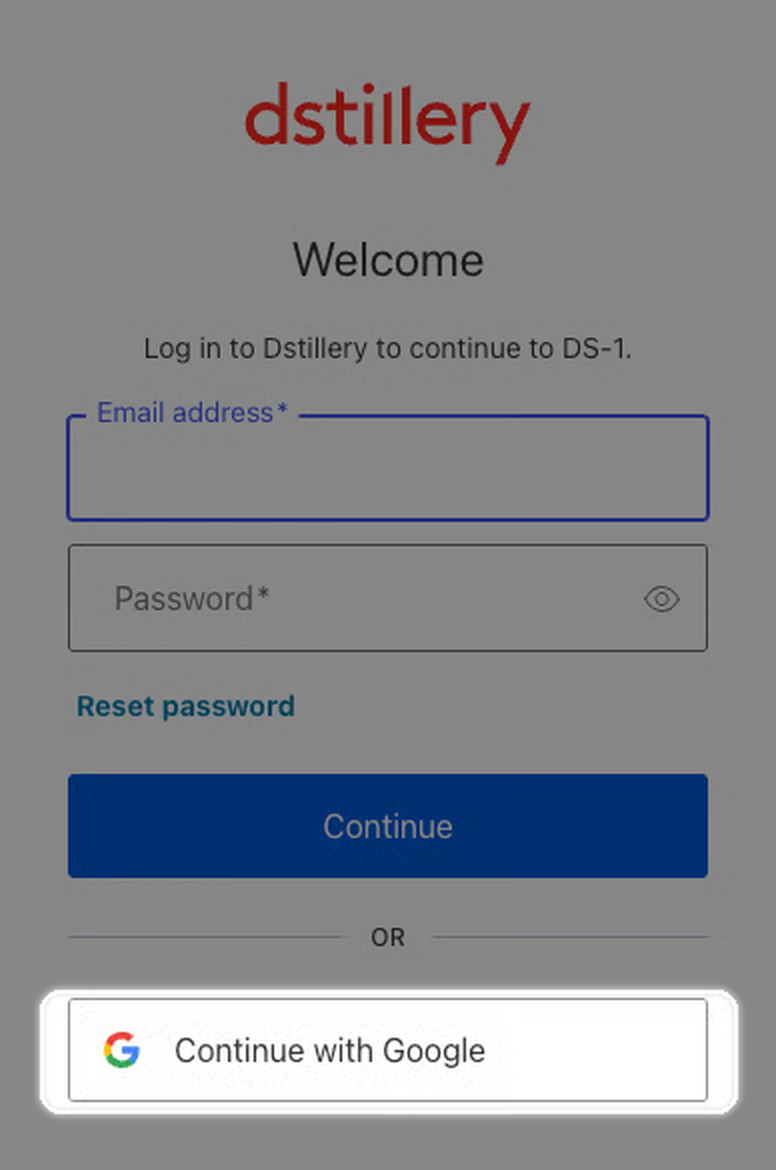
**Google-managed email**
1. Select **Continue with Google**.
Select Continue with Google if your organization uses Google-managed email.
2. Sign in with your work email address.
**Email and password sign-in**
1. Select **Reset password**.
Select Reset password to create a password.
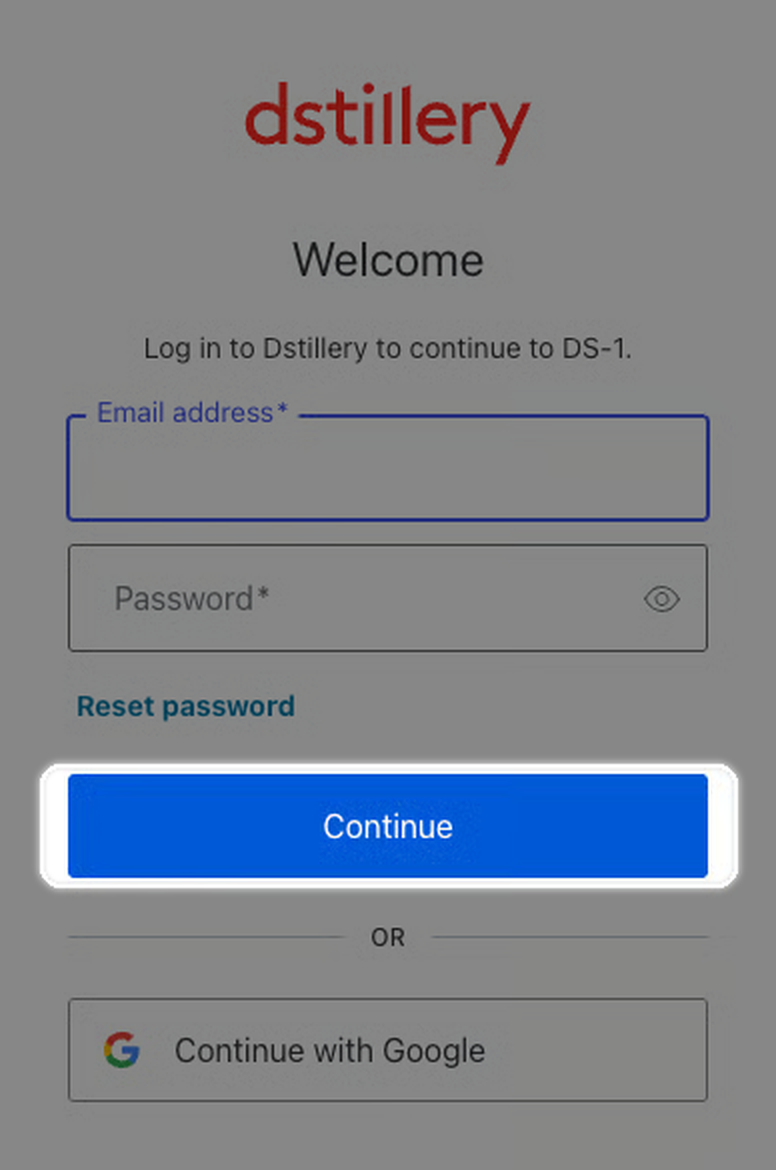
2. Enter your work email address and select **Continue**.
Enter the email address for your DS-1 access.
3. Use the email instructions to create a password.
{% endstep %}
{% step %}
**Start using DS-1**
After creating your password, return to [ds1.dstillery.com](https://ds1.dstillery.com) and log in.
{% hint style="success" %}
Use the work email address configured for DS-1. Check spam if the reset email does not arrive. Contact your Dstillery account team if you still need help.
{% endhint %}
{% endstep %}
{% endstepper %}